01
Overview.
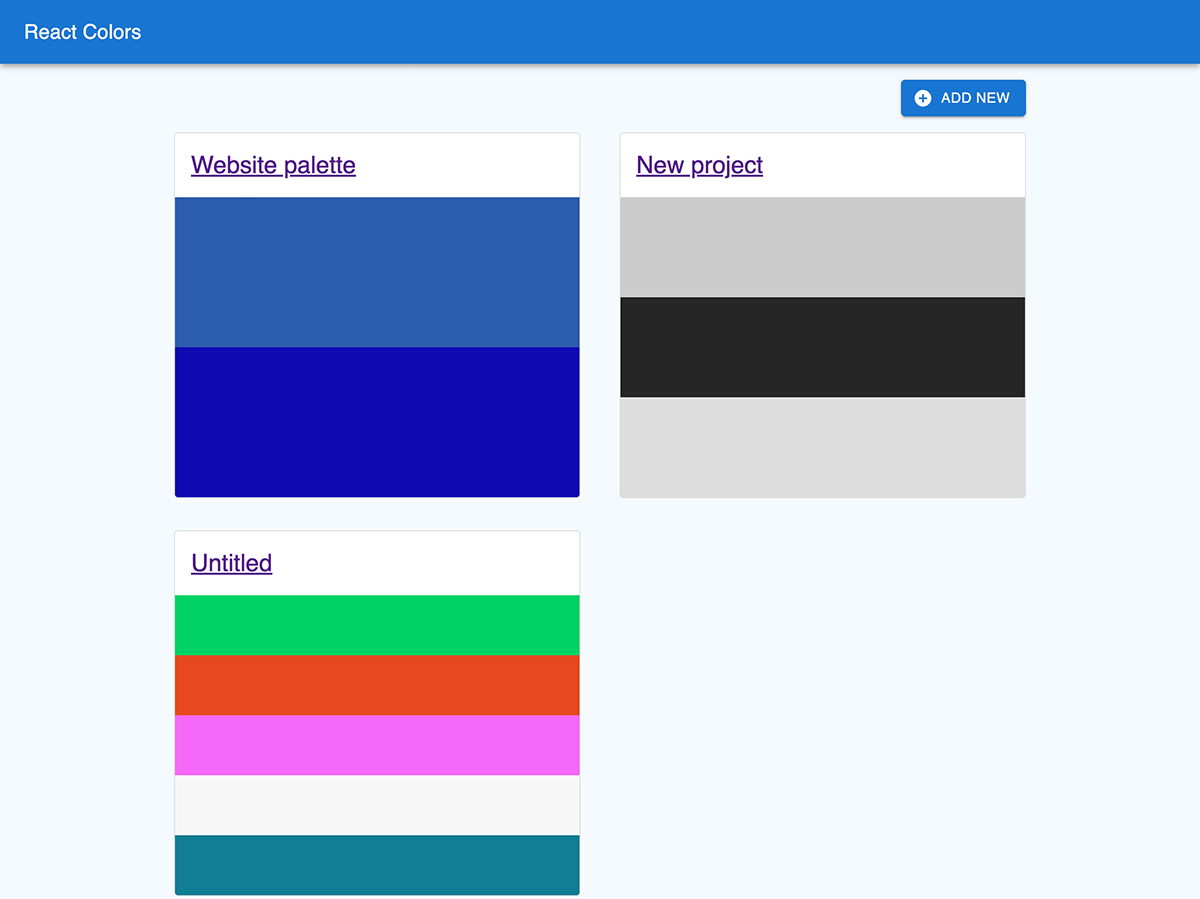
React Colors is a small single-page app for building and keeping color palettes. You can create a palette, add or remove colors, type your own hex codes or generate random ones, and copy any value to the clipboard. Palettes are saved in the browser, so they’re still there when you come back.
I built it in JavaScript first, then migrated it to TypeScript later one file at a time. That was a good way to learn how a typed Redux store fits together. It also caught a few bugs the JavaScript version had been hiding.
02
Built with.
03
Challenges.
Challenge
Before
After
Saving palettes
Every refresh reset palettes back to the seed data.
Wrote a small localStorage layer using preloadedState and store.subscribe..
Keeping edits in sync
Typing a hex code and clicking randomize disagreed about the current color.
Kept a local draft in state, synced it from Redux with useEffect, and saved on blur.
Migrating to TypeScript
Plain JavaScript with quiet bugs, like a dead route prop and a misspelled className.
Converted file by file, and the type checker flagged each issue so I could fix it.
04
The results.
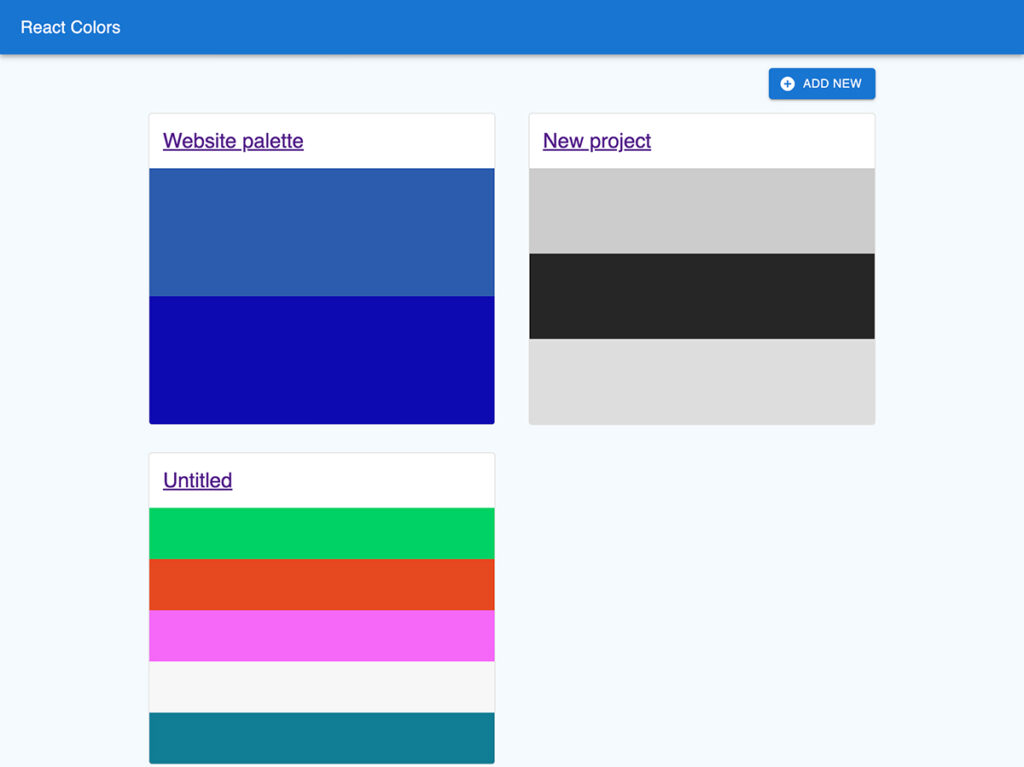
The app front page showing the pre-set color palettes
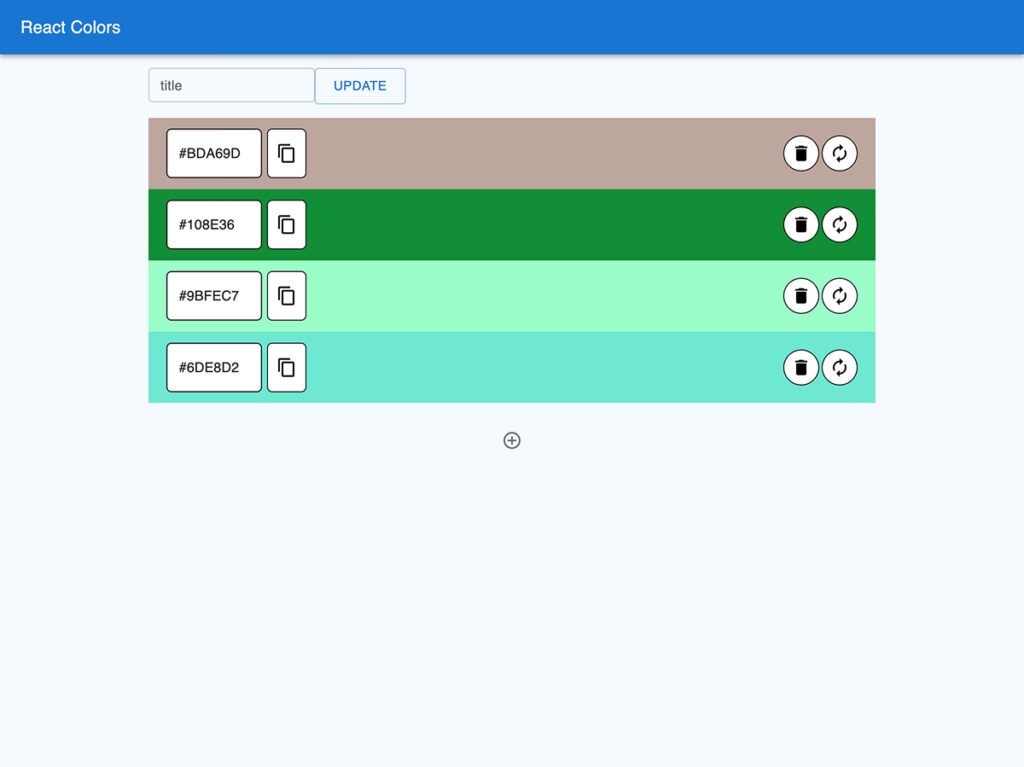
Editing a color pallette
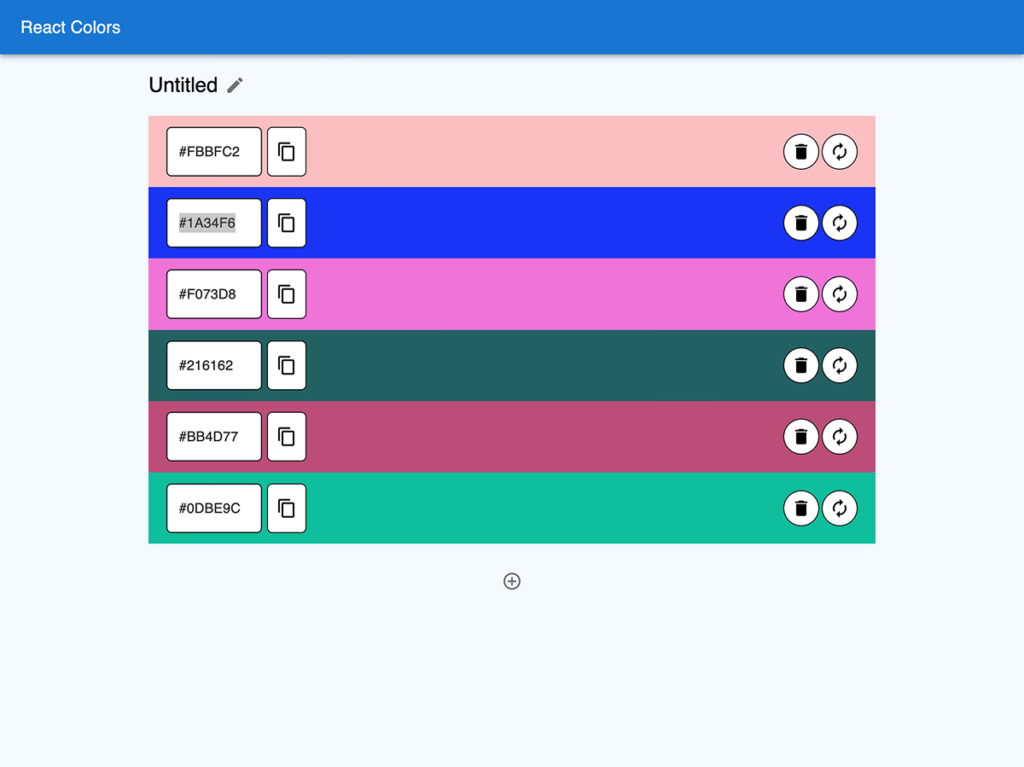
Editing the individual HEX code of a color in a palette.
05
What I learned.
01
Types catch quiet bugs
Migrating to TypeScript surfaced mistakes that had gone unnoticed in plain JavaScript.
02
Redux is a data loop
Slices, actions and selectors clicked once I traced a single button press all the way through the store.
03
Dependency versions matter
An unpinned package silently jumped a major version and broke the linter, which taught me to control versions deliberately.
06